No-Code Automation Or A Custom Build? A Straight Answer For Small Businesses
Zapier and n8n will take you further than most developers admit, and they stop dead at a predictable point. Here is where that line sits, what each really costs, and how to start on one without being trapped.
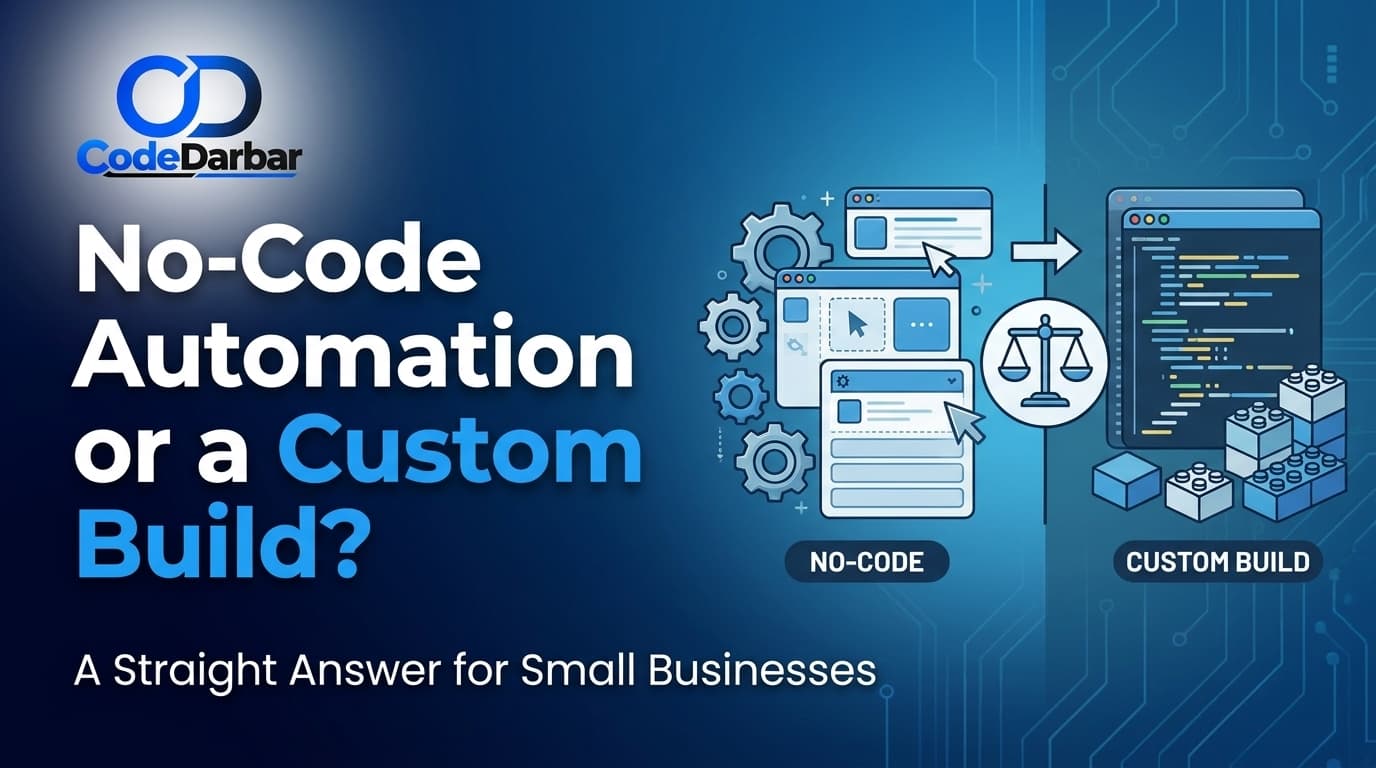
Most businesses asking about automation in 2026 have already tried a no-code tool. They connected their form to a spreadsheet, it worked, and now they want to know whether to keep going that way or have something built properly.
Developers usually answer "have it built", which is self-serving. Tool vendors answer "no-code handles everything", which is not true either. Here is the line as it actually falls.
Where no-code genuinely wins
For moving information between systems that already have decent integrations, a no-code platform is hard to beat. Form to CRM, order to accounting software, enquiry to WhatsApp notification, invoice to storage. These are solved problems and paying someone to write code for them is usually a waste.
Three real advantages, and none of them are small. You can change it yourself on a Tuesday afternoon without waiting for anyone. You can see what ran and what failed in a log built for non-developers. And you can abandon it cheaply if the process turns out to be wrong, which it often does the first time.
That last point deserves more weight than it usually gets. Most first attempts at automating a process automate the wrong version of it. Discovering that for a monthly subscription is far better than discovering it after paying for a build.
Where it stops
The wall is fairly predictable, and it is rarely about complexity. It is about four things.
Volume
No-code platforms charge per task or per run. At a few hundred a month that is trivial. At tens of thousands it becomes a real line in your accounts, and the sum can exceed what building it would have cost.
Anything that needs to be exactly right
If a step fails halfway through a chain, what happens? In a no-code flow the usual answer is that half of it ran and someone notices next week. For a marketing follow-up that is fine. For invoices, stock levels or payments it is not, and building proper handling of failure inside a visual tool is where they stop being simple.
Systems that do not have a connector
Your industry-specific software, the internal tool someone built years ago, the supplier portal with no API. Every no-code platform has an escape hatch for this, and the moment you use it you are writing code anyway — just inside a box with worse tooling.
Anything a customer touches
Internal automation can be a bit rough. A customer-facing assistant cannot. When the thing is representing your business in a conversation, you need control over how it behaves when it is unsure, what it is allowed to say, and what it does with what it learns.
What each actually costs
A no-code workflow of moderate complexity costs a subscription, plus a few hours of someone's time to set up and a recurring tax of tinkering when a connector changes. The subscription is visible; the tinkering is not, and it is the part businesses underestimate.
A custom build costs more up front and close to nothing per run. It does not change under you when a vendor updates their integration. It needs someone to maintain it — which is a real ongoing cost, not zero, whatever anyone tells you.
Roughly: if a process is stable, high volume and important, building it wins over any reasonable time horizon. If it is new, low volume, or you are not certain it is the right process, no-code wins and it is not close.
The approach that works
Start with the no-code version. Deliberately, as a prototype rather than a commitment.
Run it for a month or two and watch what happens. You will learn which steps actually occur, which exceptions come up that nobody mentioned in the meeting, and whether the process is worth automating at all. That knowledge is what makes a build succeed, and it cannot be gathered in a requirements conversation.
Then rebuild only the parts that earned it — the high-volume step, the one that must not fail, the one a customer sees. Leave the rest where it is. A business with three no-code flows and one properly built integration is in a much better position than one that built everything or automated nothing.
One thing to protect
Whichever route you take, keep your data somewhere you control. The common regret is not choosing the wrong tool — it is discovering that two years of customer history lives inside a platform you now want to leave, in a shape only that platform understands.
Your customer records, your orders and your conversation history should land in your own database. What processes them is a decision you can revisit. Where they live is much harder to undo.